
Built for testing APIs, not for selling seats.
Everything below is in the free download. There is no paid tier holding the useful half hostage.
Compose anything you can send
Every HTTP method, custom headers, the common auth schemes, and JSON, XML or form bodies — with highlighting and validation as you type.
- Visual builder with highlighted request and response
- Environment variables and dynamic values
- Pre-request scripts and post-response processing
- Mock servers and JSON bins built in
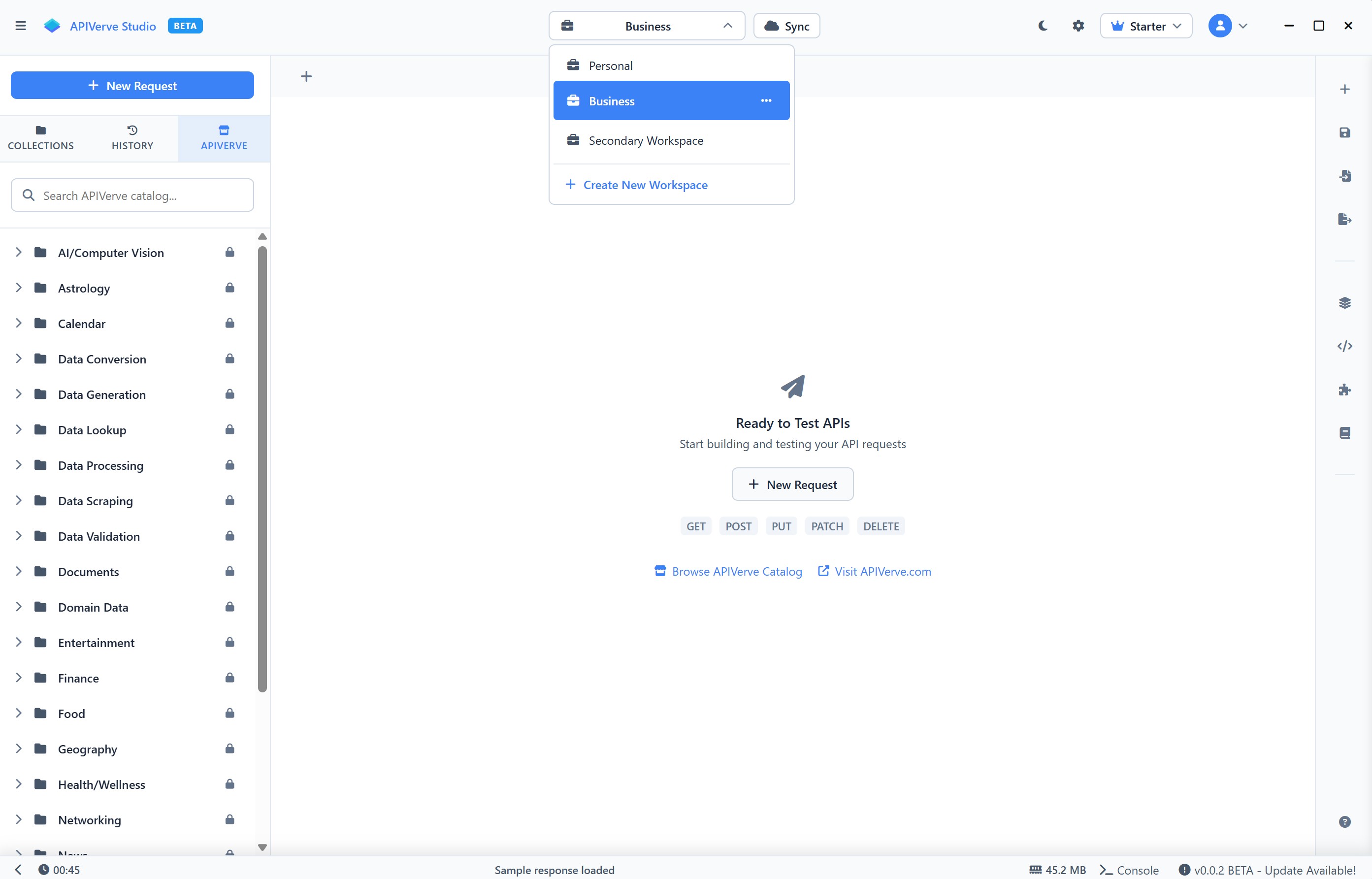
Organise once, re-run forever
Group requests into collections with nested folders, shared variables and bulk runs — the parts other tools put behind a team plan.
- Hierarchical folders per project
- Shared variables and environments
- Bulk execution and ordered test runs
- Import and export in common formats
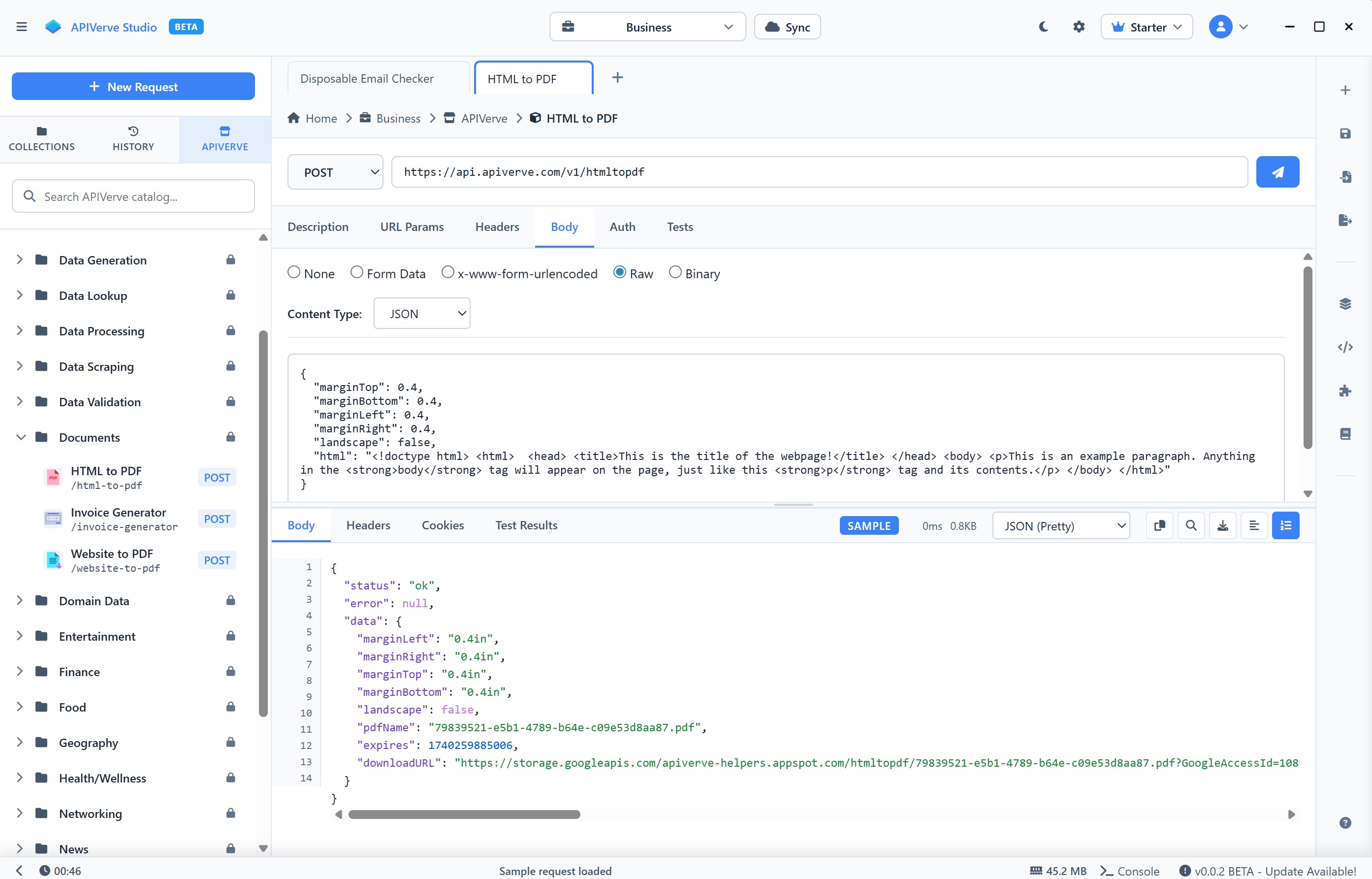
Dev, staging and prod, one click apart
Keep a set of variables per environment and switch the whole request context at once, without editing a single URL by hand.
- Multiple environment configurations
- Dynamic variable substitution
- Global and per-collection scopes
- Encrypted storage for sensitive values
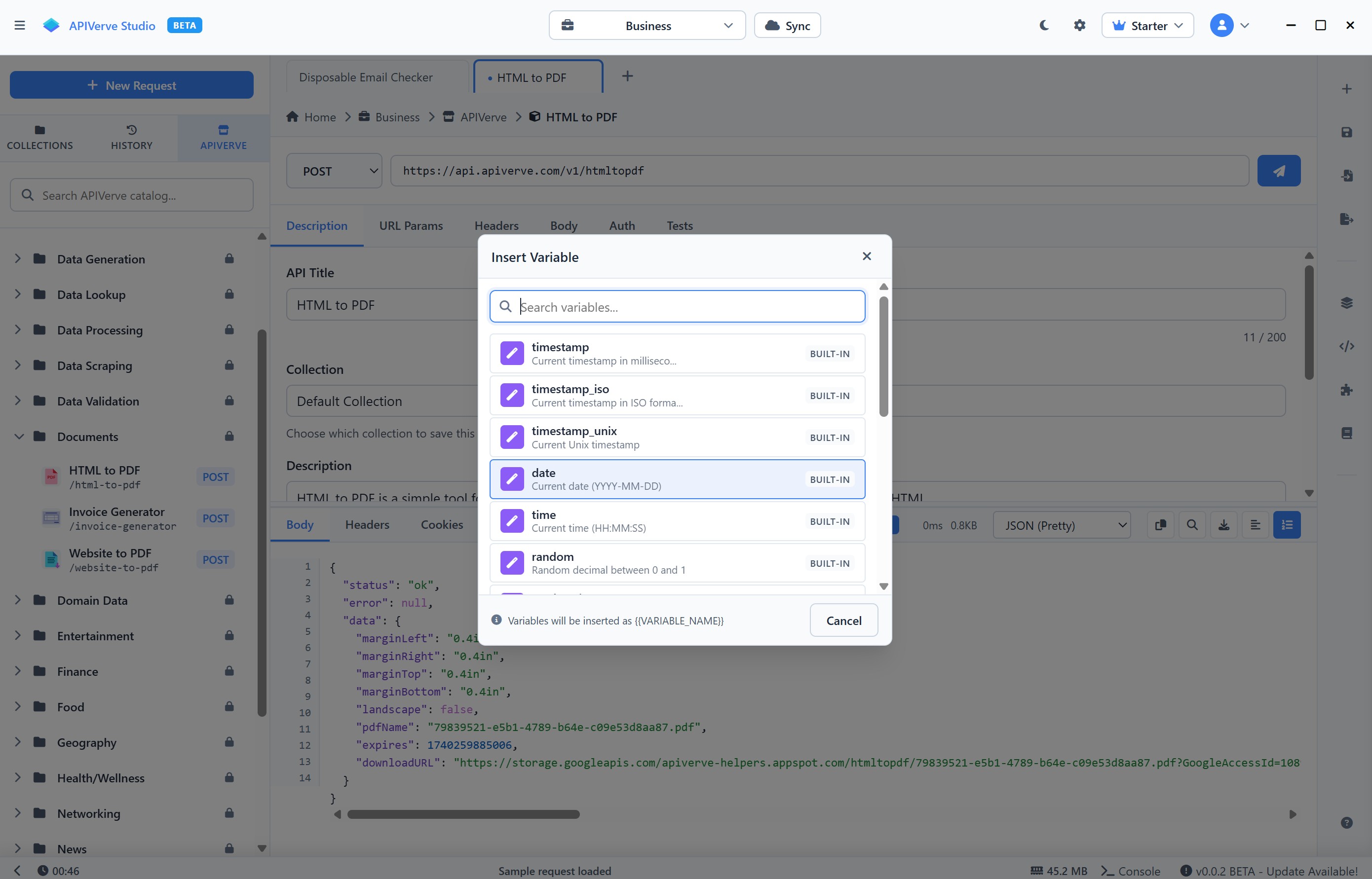
Optional, encrypted, and off by default
Studio is offline-first. Turn sync on if you want your work on more than one machine — and it keeps working when the network doesn't.
- Sync across devices when you enable it
- Encrypted storage for synced data
- Offline-first, with sync resuming later
- Automatic conflict resolution
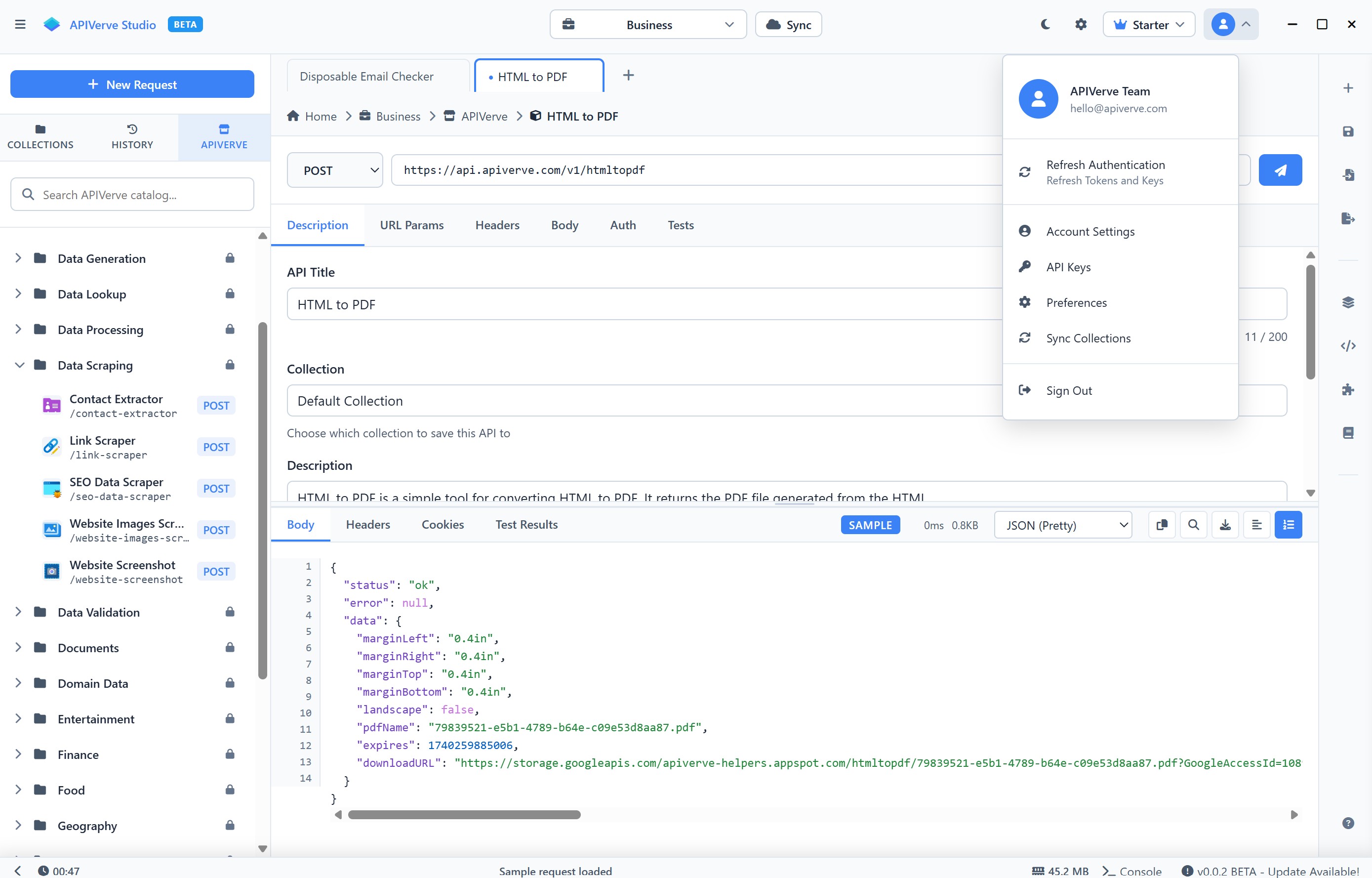
The rest of it
Smaller things that add up to not needing a second tool.
AI agent
Ask it why a request is failing, or have it draft one from a description. Included, not a paid add-on.
Mock servers
Stand up an endpoint that answers the way you need before the real one exists.
JSON bins
Keep reusable payloads and fixtures a click away instead of in a scratch file.
Offline by default
No sign-in wall and no cloud round-trip — it works on a plane and on an air-gapped network.
350+ APIs built in
Browse and call the whole APIVerve catalog without leaving the app.
Portable builds
A single file on Windows and Linux — run it from a folder, a share or a USB stick.